Certificate in MS Word
Build a future-ready career in workplace productivity with our Certificate in MS Word, designed to provide you with practical, hands-on expertise in creating professional documents, formatting reports, collaborating efficiently, and leveraging AI-powered features to enhance productivity.
This program equips learners with comprehensive knowledge of Microsoft Word, enabling them to create polished business documents, automate repetitive tasks, collaborate seamlessly, and utilize AI-powered tools to improve document quality, accuracy, and workplace efficiency.
Talk to a Consultant
Fill in the details to get started
Learning Format
Online Bootcamp
Validity
6 Months
Access Anytime
Grant Thornton
About Program
The program by Arivu Skills, guided by experienced faculty and industry experts, equips learners with industry-ready Microsoft Word skills for creating professional reports, business documents, proposals, and presentations. Through hands-on training in advanced formatting, document styling, collaboration features, automation, and AI-assisted content creation, participants develop the productivity and documentation skills required across corporate, consulting, finance, and administrative roles.
Key Highlights
- Industry-aligned MS Word curriculum
- Efficient Document Styling
- Advanced editing & review tools
- MS Word with AI
- Mail Merge & document automation
- Collaboration & co-authoring features
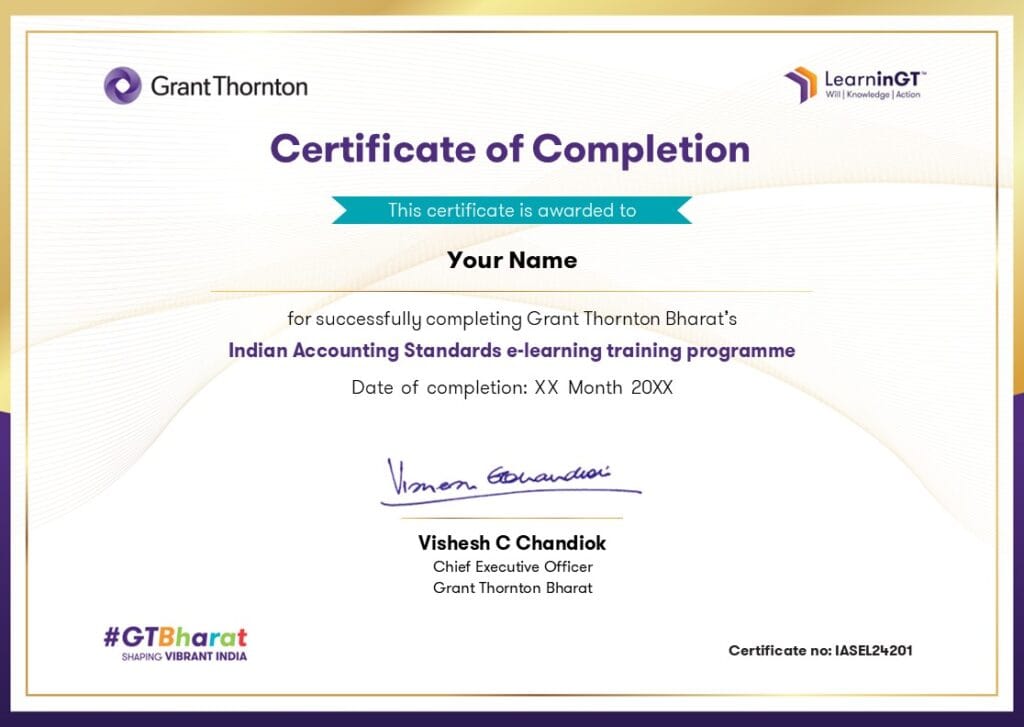
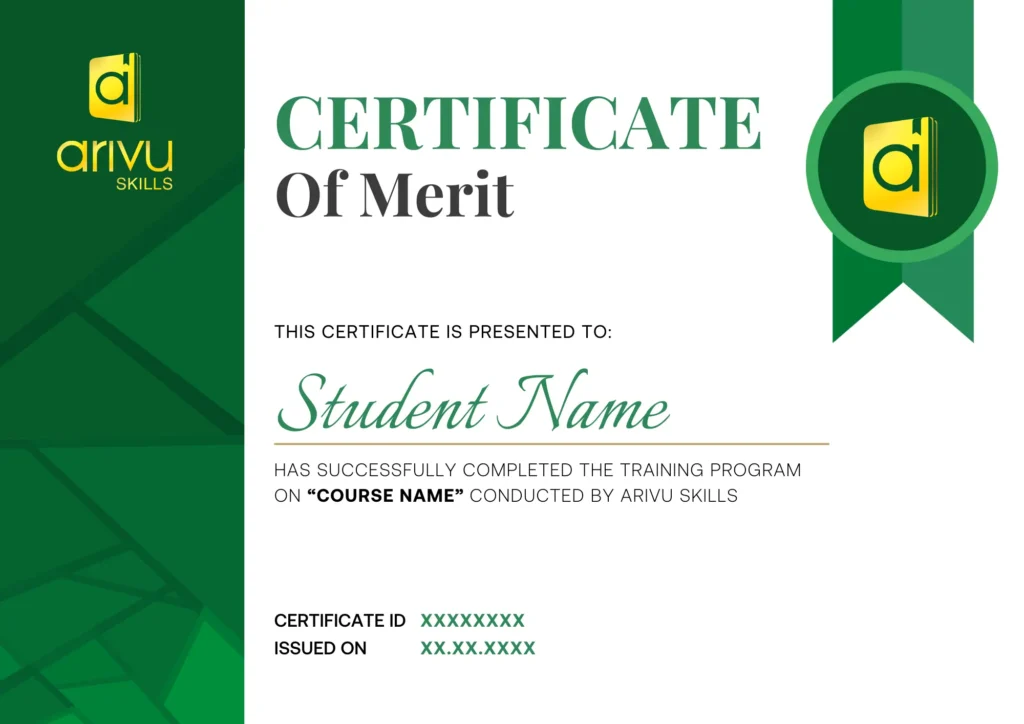
- Dual certification
- Practical business assignments
- Time-saving productivity techniques
- Job-ready Microsoft Office skills

Are you Confused? Let us assist you.
Discover the Ultimate
Brochure Now
About Grant Thornton
ArivuSkills, in collaboration with Grant Thornton, brings a strong focus on application-oriented learning and industry-driven innovation across key domains such as strategy, analytics, risk, and digital transformation. Backed by Grant Thornton’s global expertise and real-world consulting experience, the program emphasizes practical problem-solving, business impact, and future-ready skills to help learners thrive in a rapidly evolving professional landscape.
Who Can Apply for the Course?
- Students from any degree background
- School, college, and university students
- Fresh graduates preparing for corporate careers
- Working professionals looking to improve productivity
- Administrative professionals, Executive Assistants, and Office Executives
- Beginners with no prior Microsoft Word experience
What roles can a MS Word professional play?
Documentation Executive
Create, format, and manage professional business documents, reports, proposals, manuals, and official correspondence while maintaining document consistency and quality.
Executive Assistant
Support senior management by preparing presentations, reports, contracts, agendas, meeting notes, and confidential business documents.
Administrative Executive
Prepare reports, letters, meeting minutes, and official documentation to support day-to-day administrative and business operations.
Content Documentation Specialist
Develop user manuals, SOPs, training guides, knowledge-base articles, and technical documentation using professional formatting and collaboration tools.
Office Administrator
Manage business documentation, templates, forms, mail merge, and document workflows while ensuring efficient office communication and organization.
Business Support Executive
Assist cross-functional teams by preparing business documents, collaborating on shared files, automating repetitive tasks, and improving workplace productivity using Microsoft Word and AI tools.
Skills to Master
Professional Document Formatting
Advanced Text Editing
Styles & Templates
Page Layout & Design
Tables & Graphics
Mail Merge
Review & Collaboration
Document Automation
AI-Assisted Document Creation
Business Documentation
Tools to Master






Curriculum
- Live Course
- Self Paced
- Industry Expert
- Academic Faculty
Module 1: Fundamentals of MS Word Usage
Module 2: Efficient Document Styling
Module 3: Advanced Text Editing
Module 4: Document Enhancement
Module 5: Productivity & Collaboration
Module 6: Time-Saving Tools & Automation
Module 7: MS Word with AI
Program Highlights
- 9+ Hours of Comprehensive MS Word Learning
- Industry-Relevant Case Studies & Practical Applications
- Live Online Classes with Industry Experts
- 24*7 Support
Companies Hiring for MS Word Professional










Admission Details
The admission process is quick and simple. Fill out the admission form on this page, our Career Guidance team will call to confirm your enrollment, and you’ll get instant access to your course.

Fill the Form
Share your details in the admission form on this page to get started.

Confirmation Call
Our Career Guidance team will call to confirm your enrollment and answer any questions.

Get Course Access
Once confirmed, you'll get instant access and can start learning right away.
Frequently Asked Questions
1. Do I need any prior experience to join this course?
No. This course is beginner-friendly and starts with the fundamentals of MS Word before progressing to advanced document formatting, automation, collaboration, and AI-powered productivity features.
2. What will I learn in this course?
You will learn document creation, professional formatting, styles, templates, tables, images, references, mail merge, collaboration tools, automation features, and the effective use of AI tools like Microsoft Copilot and ChatGPT for document creation.
3. Is this course suitable for working professionals?
Yes. Whether you work in administration, HR, finance, sales, operations, or any corporate role, this course helps improve productivity and professional documentation skills.
4. Will I work on practical exercises during the course?
Yes. The course includes hands-on assignments and real-world business documents such as reports, proposals, resumes, letters, meeting minutes, and official templates to build practical experience.
5. Which industries use MS Word professionally?
MS Word is widely used across consulting, IT, banking, healthcare, education, manufacturing, legal services, government organizations, and corporate offices for creating professional documents.
6. Will I learn AI features in Microsoft Word?
Yes. The course covers modern AI-powered workflows using Microsoft Copilot and ChatGPT to help generate content, summarize documents, improve writing, and increase productivity.
7. Will this course improve my office productivity?
Absolutely. You’ll learn shortcuts, templates, styles, mail merge, collaboration tools, document automation, and best practices that significantly reduce the time spent creating and editing documents.
8. What career opportunities does this course support?
The skills gained are valuable for roles such as Administrative Executive, Documentation Specialist, HR Executive, Operations Executive, Project Coordinator, Business Support Executive, Office Administrator, and many other corporate positions.
9. What is the average salary for professionals with strong MS Word skills in India?
MS Word is considered an essential workplace skill rather than a standalone job role. Professionals in administration, operations, HR, customer support, finance, and business roles typically earn between ₹2.5 LPA and ₹8 LPA, depending on their experience, industry, and overall skill set.
10. Where is Arivu Skills located in Bangalore?
Arivu Skills is located at 1st Floor, Sai Prema, Christ Lane No. 39, Krishnanagar, Hosur Road, Koramangala, Bengaluru – 560029. The institute offers both classroom training and live online classes, making it accessible for students across Bangalore.