Certificate in MS PowerPoint
Build a future-ready career in business communication with our Certificate in MS PowerPoint, designed to provide you with practical, hands-on expertise in creating impactful presentations, designing professional slides, delivering engaging presentations, and leveraging AI-powered tools to improve productivity and creativity.
This program equips learners with comprehensive knowledge of Microsoft PowerPoint, enabling them to design visually appealing presentations, use animations and transitions effectively, collaborate on presentations, create AI-assisted slide decks in minutes, and communicate ideas confidently in professional and academic environments.
Talk to a Consultant
Fill in the details to get started
Learning Format
Online Bootcamp
Validity
6 Months
Access Anytime
Grant Thornton
About Program
The program by Arivu Skills, guided by experienced faculty and industry experts, is designed to help learners master Microsoft PowerPoint for business, academic, and corporate communication. Participants gain practical experience in presentation design, storytelling, slide animation, multimedia integration, presenter tools, and AI-powered presentation creation, preparing them to deliver impactful presentations with confidence.
Key Highlights
- Industry-aligned MS PowerPoint curriculum
- Hands-on presentation design
- Professional slide layouts & themes
- Smart animations & transitions
- Charts, tables & infographics
- AI-powered presentation creation
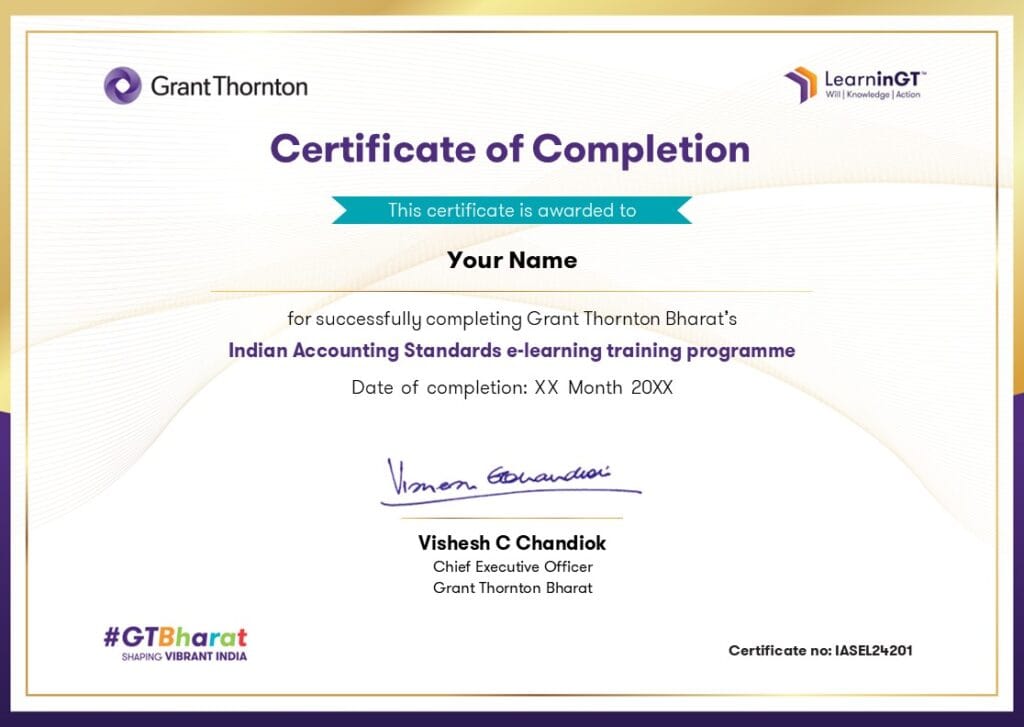
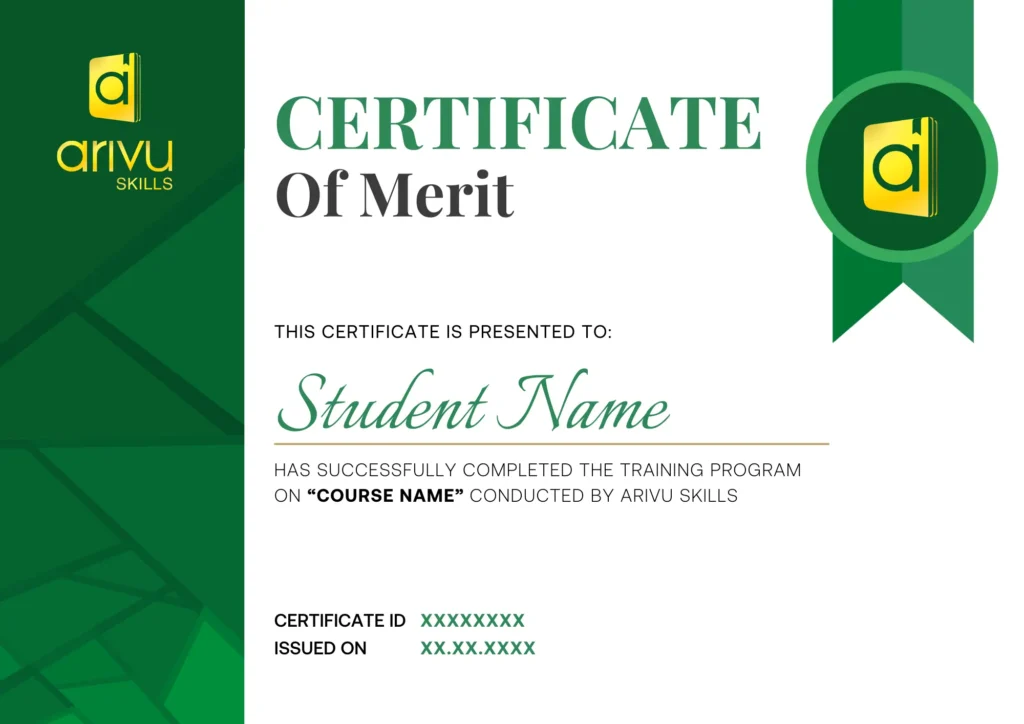
- Dual certification
- Presentation delivery techniques
- Productivity tips & keyboard shortcuts
- Job-ready Microsoft Office skills

Are you Confused? Let us assist you.
Discover the Ultimate
Brochure Now
About Grant Thornton
ArivuSkills, in collaboration with Grant Thornton, brings a strong focus on application-oriented learning and industry-driven innovation across key domains such as strategy, analytics, risk, and digital transformation. Backed by Grant Thornton’s global expertise and real-world consulting experience, the program emphasizes practical problem-solving, business impact, and future-ready skills to help learners thrive in a rapidly evolving professional landscape.
Who Can Apply for the Course?
- Students from any degree background
- School, college, and university students
- Fresh graduates looking to improve presentation skills
- Working professionals across all industries
- Entrepreneurs, trainers, and consultants
- Beginners with no prior experience
What roles can a MS PowerPoint professional play?
Presentation Specialist
Design professional presentations, investor decks, business proposals, training materials, and executive reports that communicate ideas effectively.
Sales Executive
Prepare persuasive sales presentations, client pitch decks, product demonstrations, and proposals to improve customer engagement and conversions.
Business Analyst
Create dashboards, project updates, and business presentations that help stakeholders understand insights and make informed decisions.
Corporate Trainer
Design interactive training presentations, learning materials, and workshop content that enhance employee and student learning experiences.
Marketing Executive
Develop engaging marketing presentations, product launch decks, campaign reports, and client proposals that support business growth.
Project Coordinator
Create project status reports, milestone presentations, meeting decks, and stakeholder updates to ensure effective project communication.
Skills to Master
Presentation Design
Slide Storytelling
Professional Templates
SmartArt & Infographics
Charts & Data Visualization
Animations & Transitions
Multimedia Integration
Presenter View & Delivery
AI-Powered Presentation Creation
Business Communication & Pitch Decks
Tools to Master






Curriculum
- Live Course
- Self Paced
- Industry Expert
- Academic Faculty
Module 1: Introduction to Microsoft Powerpoint
Module 2: File Ribbon
Module 3: Home Ribbon
Module 4: Insert Ribbon
Module 5: Design, Transitions and Animation Ribbon
Module 6: Slideshow, Record and Review Ribbon
Module 7: View Ribbon
Module 8: Create Brilliant Presentation with Open AI in Less Than 5 Mins
Module 9: Create Your First Presentation
Program Highlights
- 9+ Hours of Comprehensive MS Word Learning
- Industry-Relevant Case Studies & Practical Applications
- Live Online Classes with Industry Experts
- 24*7 Support
Companies Hiring for MS PowerPoint Professional











Admission Details
The admission process is quick and simple. Fill out the admission form on this page, our Career Guidance team will call to confirm your enrollment, and you’ll get instant access to your course.

Fill the Form
Share your details in the admission form on this page to get started.

Confirmation Call
Our Career Guidance team will call to confirm your enrollment and answer any questions.

Get Course Access
Once confirmed, you'll get instant access and can start learning right away.
Frequently Asked Questions
1. Do I need any prior experience to join this course?
No. This course is designed for beginners and starts with the fundamentals of Microsoft PowerPoint before progressing to advanced presentation design, animations, and AI-powered presentation creation.
2. What will I learn in this course?
You will learn how to create professional presentations, use PowerPoint ribbons effectively, apply themes and templates, add animations and transitions, deliver engaging presentations, and leverage AI tools like ChatGPT and Microsoft Copilot to create presentations faster.
3. Is this course suitable for working professionals?
Yes. This course is ideal for professionals in business, sales, marketing, HR, consulting, education, project management, and corporate communication who regularly create or deliver presentations.
4. Will I create presentations during the course?
Yes. You’ll build professional business presentations, project reports, sales decks, training presentations, and client pitch decks through hands-on exercises and practical assignments.
5. Will I learn AI tools for creating presentations?
Yes. The course includes AI-powered presentation creation using tools like ChatGPT and Microsoft Copilot, helping you generate presentation content, improve slide design, and create impactful presentations in minutes.
6. Which industries use Microsoft PowerPoint professionally?
Microsoft PowerPoint is widely used across consulting, IT, banking, healthcare, education, manufacturing, FMCG, startups, and corporate organizations for presentations, reporting, and business communication.
7. How will this course improve my productivity?
You’ll learn professional templates, Slide Master, animations, presenter tools, keyboard shortcuts, and AI-assisted workflows that help you create high-quality presentations faster and more efficiently.
8. What career opportunities does this course support?
The skills gained are valuable for roles such as Presentation Specialist, Business Analyst, Marketing Executive, Sales Executive, Corporate Trainer, Project Coordinator, Business Development Executive, and Consultant.
9. What is the average salary for professionals with strong PowerPoint skills in India?
Microsoft PowerPoint is an essential workplace skill that complements many business roles. Professionals in consulting, business analysis, marketing, sales, operations, and project management typically earn between ₹3 LPA and ₹12 LPA, depending on their experience, industry, and overall skill set.
10. Where is Arivu Skills located in Bangalore?
Arivu Skills is located at 1st Floor, Sai Prema, Christ Lane No. 39, Krishnanagar, Hosur Road, Koramangala, Bengaluru – 560029. The institute offers both classroom training and live online classes, making it accessible for students across Bangalore.