
Certificate in MS Excel Essentials
Build a future-ready career in data analysis and business productivity with our Certificate in MS Excel Essentials, designed to provide you with practical, hands-on expertise in data management, advanced formulas, financial functions, dashboards, and business reporting using Microsoft Excel.
This program equips learners with comprehensive knowledge of Microsoft Excel, enabling them to organize and analyze data, automate calculations, create interactive dashboards, perform financial and statistical analysis, and solve real-world business problems using industry-standard Excel techniques.
Talk to a Consultant
Fill in the details to get started
Learning Format
Online Bootcamp
Validity
6 Months
Access Anytime
Grant Thornton
About Program
The program by Arivu Skills, guided by experienced faculty and industry experts, is designed to help learners master Microsoft Excel for business, finance, analytics, and corporate reporting. Participants gain practical experience in advanced formulas, lookup functions, data validation, dashboards, financial analysis, and productivity techniques, preparing them for data-driven roles across industries.
Key Highlights
- Industry-aligned MS Excel curriculum
- Advanced formulas & functions
- Lookup & reference techniques
- Financial & statistical analysis
- Interactive dashboards & reports
- Data validation & automation
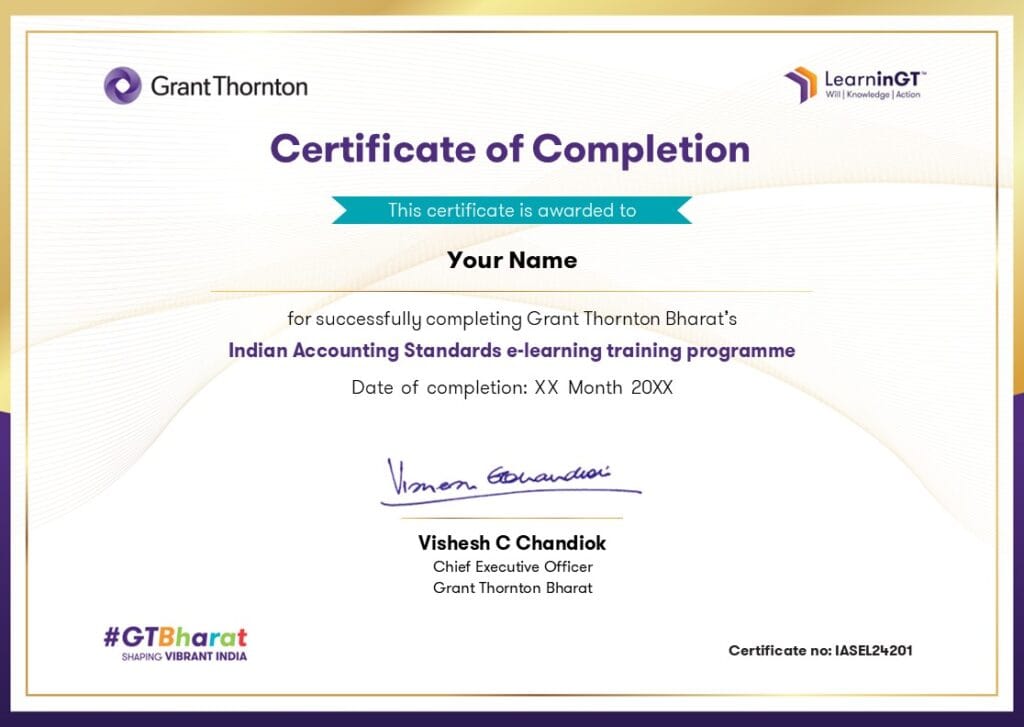
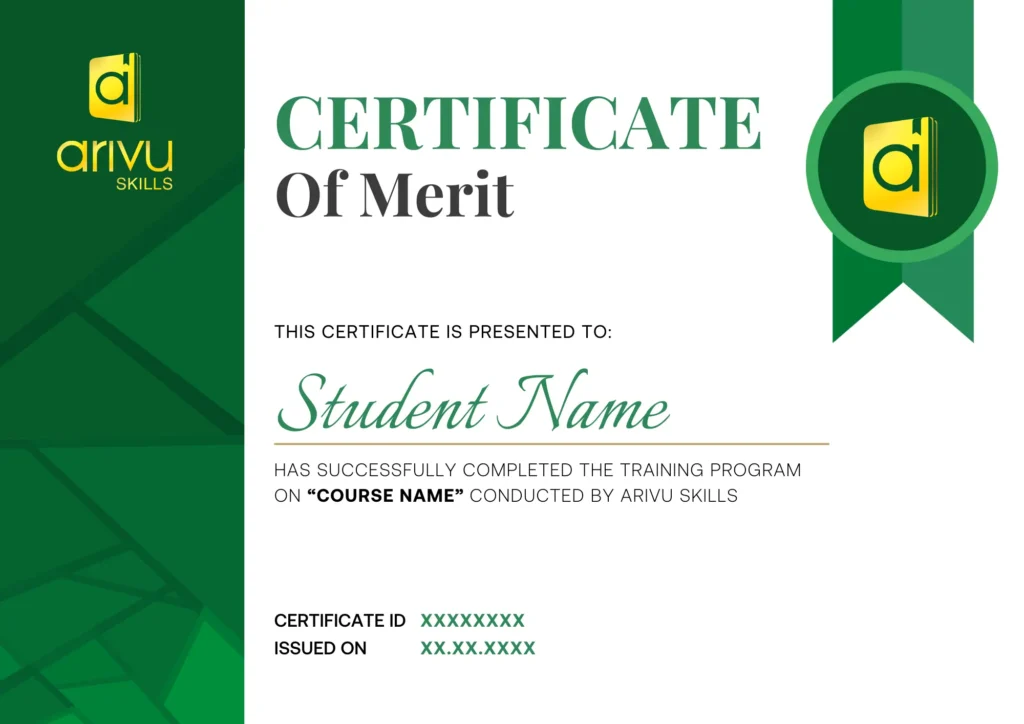
- Dual certification
- What-If Analysis & scenario planning
- Business-focused case studies
- AI-assisted Excel productivity

Are you Confused? Let us assist you.
Discover the Ultimate
Brochure Now
About Grant Thornton
ArivuSkills, in collaboration with Grant Thornton, brings a strong focus on application-oriented learning and industry-driven innovation across key domains such as strategy, analytics, risk, and digital transformation. Backed by Grant Thornton’s global expertise and real-world consulting experience, the program emphasizes practical problem-solving, business impact, and future-ready skills to help learners thrive in a rapidly evolving professional landscape.
Who Can Apply for the Course?
- Students from any degree background
- Commerce, finance, management, and engineering students
- Fresh graduates preparing for corporate careers
- Working professionals looking to upskill in Excel
- Business analysts, finance professionals, and MIS executives
- Beginners with no prior experience
What roles can a MS Excel professional play?
Data Analyst
Analyze datasets, create dashboards, identify trends, and generate insights using advanced Excel functions and charts.
Financial Analyst
Perform financial analysis, budgeting, forecasting, and reporting using Excel’s financial and statistical functions.
MIS Executive
Prepare daily, weekly, and monthly reports, automate reporting processes, and maintain business data for management.
Operations Executive
Track KPIs, monitor operational performance, prepare reports, and streamline business processes using Excel.
Business Analyst
Build dashboards, analyze business performance, perform what-if analysis, and support data-driven decision-making.
Accounts Executive
Manage financial records, reconciliations, budgeting, and financial reports using Excel formulas and functions.
Skills to Master
Advanced Excel Functions
Lookup & Reference Functions
Financial Modeling Basics
Data Cleaning & Validation
Dashboard Development
Statistical Analysis
What-If Analysis
Formula Auditing
Business Reporting
Data Summarization & Automation
Tools to Master






Curriculum
- Live Course
- Self Paced
- Industry Expert
- Academic Faculty
Module 1: Data Management and Formatting
Module 2: Referencing in Excel
Module 3: Data Split
Module 4: Data Validation
Module 5: Adding Hyperlinks
Module 6: Logical Functions
Module 7: Lookup Functions
Module 8: Conditional Functions
Module 9: Sumproduct Function
Module 10: Large and Small Functions
Module 11: Data Concatenation
Module 12: Working with Dates and Time
Module 13: Financial Functions
Module 14: Text Oriented Functions
Module 15: Aggregate Function
Module 16: Offset Function
Module 17: Indirect Function
Module 18: Formula Auditing
Module 19: Statistical Functions
Module 20: Using Range Names
Module 21: Excel Table
Module 22: What If Analysis
Module 23: Protecting Worksheet and Workbook
Module 24: Dashboards and Data Summarization
Program Highlights
- 25+ Hours of Comprehensive MS Excel Essentials Learning
- Industry-Relevant Case Studies & Practical Applications
- Live Online Classes with Industry Experts
- 24*7 Support
Companies Hiring for MS Excel Professional












Admission Details
The admission process is quick and simple. Fill out the admission form on this page, our Career Guidance team will call to confirm your enrollment, and you’ll get instant access to your course.

Fill the Form
Share your details in the admission form on this page to get started.

Confirmation Call
Our Career Guidance team will call to confirm your enrollment and answer any questions.

Get Course Access
Once confirmed, you'll get instant access and can start learning right away.
Frequently Asked Questions
1. Who is this course designed for?
This course is ideal for students, fresh graduates, working professionals, entrepreneurs, and anyone looking to improve their Microsoft Excel skills for academic, business, finance, or analytical roles. No prior Excel experience is required.
2. Do I need prior knowledge of Microsoft Excel?
No. This course starts with Excel fundamentals and gradually progresses to advanced formulas, functions, dashboards, financial analysis, and business reporting, making it suitable for beginners and intermediate learners alike.
3. What topics are covered in this course?
The course covers data management, formatting, lookup functions, logical functions, financial and statistical functions, data validation, What-If Analysis, dashboards, formula auditing, Excel tables, and business reporting using Microsoft Excel.
4. Will I learn advanced Excel formulas and functions?
Yes. You will gain hands-on experience with essential Excel functions such as IF, SUMPRODUCT, VLOOKUP, INDEX-MATCH, OFFSET, INDIRECT, financial functions, statistical functions, and many more used in real-world business scenarios.
5. Will I create dashboards during the course?
Yes. You will learn to build professional dashboards, summarize data effectively, visualize key business metrics, and generate interactive reports for business decision-making.
6. Is this course suitable for finance, analytics, and MIS roles?
Absolutely. The curriculum is designed to prepare learners for roles in finance, business analysis, MIS reporting, operations, accounting, and data analytics where Excel is a core business tool.
7. Does the course include AI-powered Excel learning?
Yes. You will learn how AI tools such as ChatGPT and Microsoft Copilot can assist with writing formulas, analyzing data, automating repetitive tasks, and improving productivity while working in Excel.
8. Will I work on practical business scenarios during the course?
Yes. The course includes practical exercises, business datasets, and real-world examples that help you apply Excel skills to reporting, financial analysis, dashboards, and decision-making.
9. How will this course benefit my career?
Microsoft Excel is one of the most in-demand workplace skills across industries. This course enhances your ability to analyze data, automate reports, create dashboards, and support business decisions, making you more competitive for roles in finance, operations, analytics, MIS, consulting, and administration.
10. Where is Arivu Skills located in Bangalore?
Arivu Skills is located at 1st Floor, Sai Prema, Christ Lane No. 39, Krishnanagar, Hosur Road, Koramangala, Bengaluru – 560029. The institute offers both classroom training and live online classes, making it accessible for students across Bangalore.